
In the nonprofit world, every dollar counts. You know that professionally designed assets are crucial for outreach, connecting with funders, and sharing your mission…but affording a graphic designer might not be in the budget, especially in this moment of uncertainty. We’re here to help! Though it may seem daunting, even non-designers can create polished pieces on a budget with free or low-cost tools available online.
In this post, we’ll cover the basic elements of design, software we recommend, websites where you can find copyright-free photos, and our tips for ensuring your creations are publication-ready. Whether you need to create annual reports, social media posts, newsletters, or website content, you’ll leave with the confidence and resources to design with impact—no professional experience required.
Recognizing good design
A quote often attributed to Pablo Picasso says, “Learn the rules like a pro, so you can break them like an artist.” The same idea applies to design: before you start designing your own pieces, it’s helpful to understand the principles behind what makes a design great. While rules are meant to be broken, knowing them gives you the tools to troubleshoot when something feels off. And often, you can find a solution by revisiting these fundamentals.

Composition & Structure
When used effectively, good composition and structure convey your message clearly and engage your audience with a polished, professional look. Lines guide the eye by creating visual paths, shapes add interest, and alignment creates order and cohesion. Proximity groups related elements and can improve clarity and readability.
Visual Hierarchy & Emphasis
Visual hierarchy and emphasis guide the viewer’s attention and make designs more effective. Dominance creates focal points, while scale organizes content by indicating importance. Contrast highlights key elements through differences in color, size, or shape. Movement leads the eye through the design in a deliberate flow.
Aesthetics
Aesthetics catch the viewer’s eye and lead to audience engagement. Color evokes emotion, sets the tone, and creates visual harmony. Texture adds depth and richness, making designs feel more dynamic and real.
Consistency & Harmony
Consistency and harmony help your designs flow. Balance—whether symmetrical or asymmetrical—creates visual stability. Repetition reinforces branding and ensures consistency across elements. Unity brings everything together, making the design feel cohesive and intentional. Strategic use of space prevents clutter, draws attention to key areas, and improves overall readability.
Free Software for Creating Designs
Your design needs are unique to your workplace, and what you need in a graphic design tool may also vary. If you have limited design experience, choose a tool that’s easy and simple to navigate. If you have some graphic design experience, try one of the more robust options out there. Not sure where to begin? Here are a few recommendations:
Canva
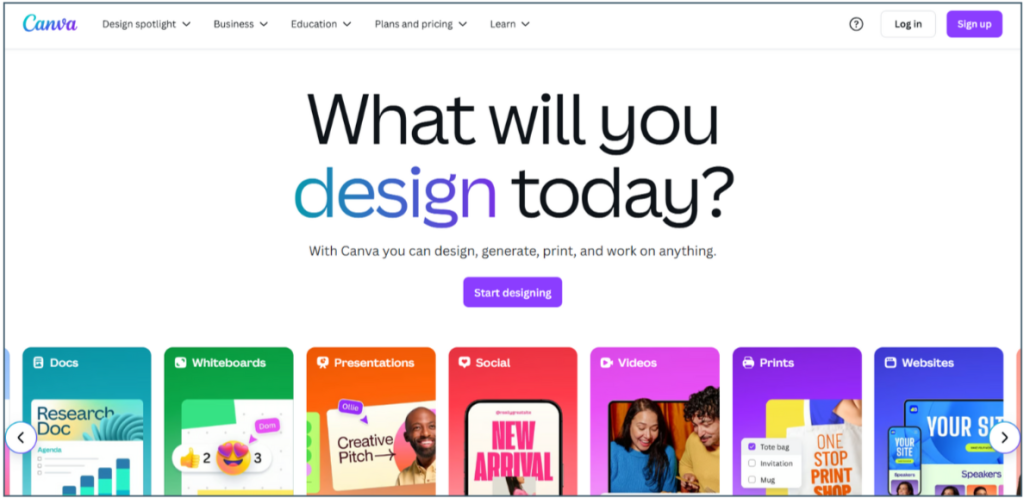
Canva is our top choice for beginners. Some of the features we love include an easy drag-and-drop interface, 250,000+ free templates, thousands of royalty-free photos and graphics, and AI integrations (like Magic Write). Canva also provides tutorials to level up your creations and help you understand real design principles through hands-on learning. Since it’s cloud-based, you can design with Canva anywhere, on any device. One of the few downsides to using Canva is you’ll likely soon want the paid version to access more advanced features and a larger library of design elements. But at just $120 a year ($12 per month), it’s a powerful tool that won’t break the bank.
Bottom Line: With Canva, there’s no steep learning curve or overwhelming menus—just clean, intuitive tools that will get you designing immediately. It’s powerful and flexible for whatever you need!
DesignWizard
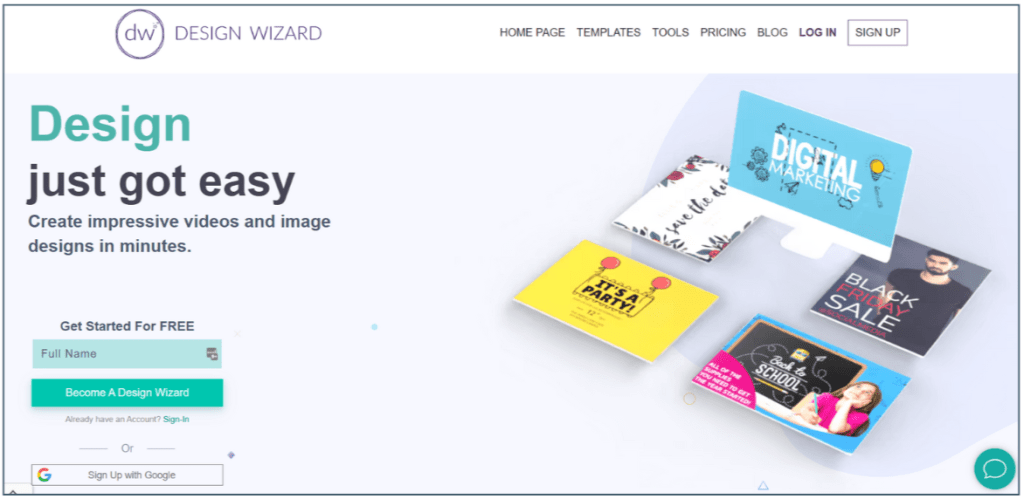
Think of DesignWizard as Canva’s cousin. If you want to focus on learning design principles rather than software complexity, DesignWizard is a great place to begin. The things we love about DesignWizard are its user-friendly interface, thousands of professionally designed templates, and built-in royalty-free media library. One downside of DesignWizard is that, like Canva, many advanced features are blocked behind a paywall. One less desirable feature of DesignWizard is that you can’t upload your own images or logos without a paid plan. However, if you’re looking to create a quick, polished design, this tool is great.
Bottom Line: DesignWizard is simpler and cheaper than Canva but has fewer features and design assets. If you’re a true beginner, it may be the better option for learning basic design without extra bells and whistles.
DocHippo
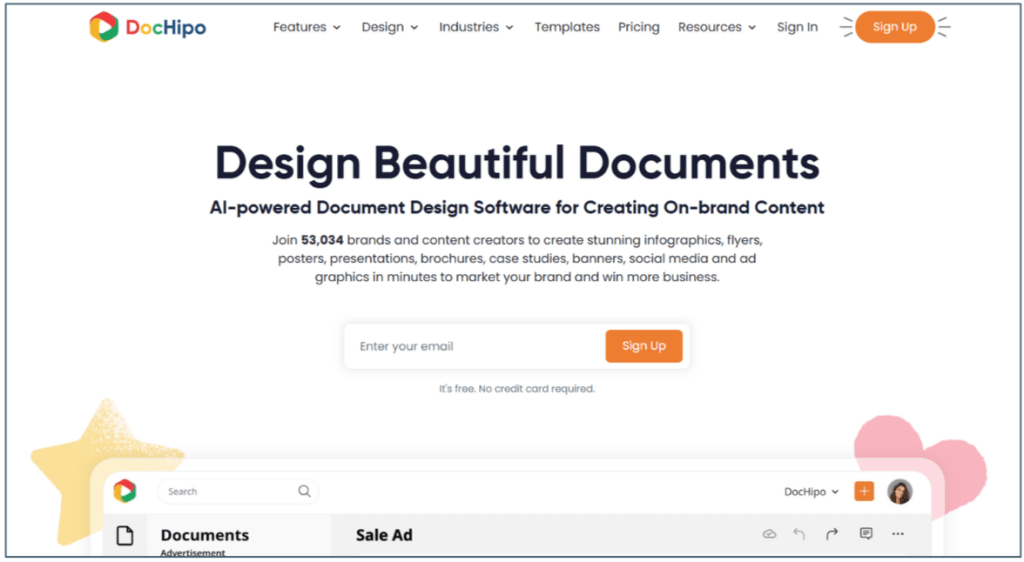
DocHippo is another great choice for creating quick, professional digital assets. Like Canva and DesignWizard, Doc Hippo gives you access to templates so you can create posters, social media ads, brochures, business cards, infographics, and more. We love the intuitive layout of the design tool, AI integrations, and media library of design assets like stickers, icons, illustrations, and fonts. DocHippo has the edge on Canva and DesignWizard in two areas: its focus on small-business team collaboration and its massive stock image library.
Bottom Line: If you’re looking for a graphic design tool that works seamlessly with teams and value speed, simplicity, and ready-made assets over custom design work, DocHippo may be right for you!
Websites for free images
Using copyright-free images ensures you’re publishing content that’s legal, ethical, and safe. You don’t want to put your business reputation (or the reputation of your clients) at risk by using copyrighted assets. These are a few websites we love that have copyright-free photos, graphics, and illustrations you can proudly share anywhere:
Pixabay
- Over 5.5 million high-quality stock images, videos, sound effects, music files, and more.
- All content is released under the Pixabay License, making it safe to use without asking for permission or giving credit.
Unsplash
- Over 6 million beautiful, free illustrations and photos that you can download and use for any project.
- Known for its high-quality and diverse collection of images released under the Unsplash license, they can be used for anything.
Pexels
- High-quality, free stock photos and videos which can be used and modified without attribution—all licensed under the Pexels license.
- Everything is tagged and searchable, and their discover pages make it easy to find the perfect photo for your project.
8 Do’s and Don’ts for Beginners
Creating effective and visually appealing designs takes more than just creativity. It’s also knowing what to do and what to avoid. These essential tips will help your designs shine, and your confidence grow:
DO Start with Templates
Using templates saves time, makes your designs look professional, and gives you a strong starting point. Templates are fully customizable to your needs and are also pre-sized for various platforms, which means you don’t need to worry about figuring out the dimensions for a Facebook ad or booklet.
DO Practice Regularly
Practice improves your skills, builds confidence, and develops your own creative style. It also allows you to experiment with new tools, techniques, and trends, which can help you become more adaptable and efficient, while sharpening your eye for good design.
DO Seek Feedback
Constructive criticism can reveal blind spots and help you learn how others interpret your work. You might think you’re communicating one message, when you’re communicating something else entirely!
DO Stay Current
Trends, tools, and technology evolve quickly—knowing what’s new can help you create modern, engaging designs that resonate with your audience. It also boosts your creativity, inspires new ideas, and ensures you stay sharp in the nonprofit world. Dribble.com and Behance.net are great sources of graphic design inspiration, searchable by project. If you like newsletters, It’s Nice That has something for everyone, from graphic design news and inspiration to interviews with prominent designers.
DO Optimize for Different Devices
Optimizing for different devices ensures your content looks great and functions well on all screen sizes. A design that works on a desktop may appear cluttered or unreadable on a phone. By testing and adjusting layouts, you improve user experience, maintain visual consistency, and keep your message clear—no matter where it’s viewed.
DON’T Overcomplicate Designs
Simple designs make a more powerful statement than crowded, busy ones. A common mistake beginners make is adding too many elements like decorative graphics, excessive shadows, gradients, or other effects. Overuse of these elements can make your work appear unpolished or amateurish. Instead, aim for a clean, focused layout that emphasizes your core message. Simple designs help your audience understand what matters most!
DON’T Use too many fonts
Another common mistake new designers make is using too many different fonts or choosing ones that are difficult to read. Limit yourself to two or three fonts that complement each other and make sure your font choices are legible and suited to the tone of your design. This will help keep the reader focused on your message rather than getting distracted by unique font.
DON’T Forget to Save and Backup
There’s nothing worse than losing hours of work due to unexpected technical issues, crashes, or accidental deletions. To prevent this, make it a habit to save your work frequently and set up automatic backups whenever possible. Using cloud storage or external drives can provide extra peace of mind and ensure your work is never permanently lost. It’s also helpful to save extra copies of your work along the way, so you can easily revert to a previous version if needed.
Design on a Dime
Solid graphic design doesn’t have to cost a fortune! With a little time, practice, and the tools we’ve shared in this post, you can create great digital assets that set your nonprofit apart. By understanding basic design principles, using free tools, and applying our best practices, you can turn limited resources into professional-quality materials that elevate your message and help your mission stand out.
Not sure if you’re ready to design on your own? We can help! Three Notch’d Nonprofit Solutions is happy to offer our design services—or refer you to another consultant if your needs are beyond our scope. We’d love to help evaluate your digital assets and determine if your visual content is drawing or driving away potential funders. Reach out to us to learn more!
Cover photo by Mariah Krafft on Unsplash